You have a song waiting to be recorded. A podcast you’ve been thinking about starting. A visual concept for your next release.
But somewhere between the idea and the finished project, you run into the same obstacles: equipment costs, a suitable workspace, or software you haven’t learned yet.
Your next step might be closer than you think.
At Joliet Public Library’s Ottawa Street Branch, the Digital Media Studio offers resources for recording, visual production, editing, design, and more. For creators exploring how to get started—or how to take an existing idea further—it’s a local resource worth knowing about. Explore the library’s Digital Media Studio.
You Don’t Have to Own Everything to Begin
Building a creative setup can become expensive quickly. And when you’re still figuring out your process, it isn’t always clear which purchases will actually help.
Sometimes, what you need first is an opportunity to experiment.
A dedicated creative space can help you discover what works for you before you build everything around it. You can approach a project with a specific goal, learn more about the tools involved, and come away with a clearer understanding of your next step.
That might mean preparing a vocal demo, developing a podcast concept, or getting comfortable with an editing workflow. Progress doesn’t have to begin with a fully equipped home studio.
It can begin with one manageable project.
Think Beyond the Recording Session
Music rarely exists on its own. A release can also involve photographs, artwork, promotional videos, and the story you want people to connect with.
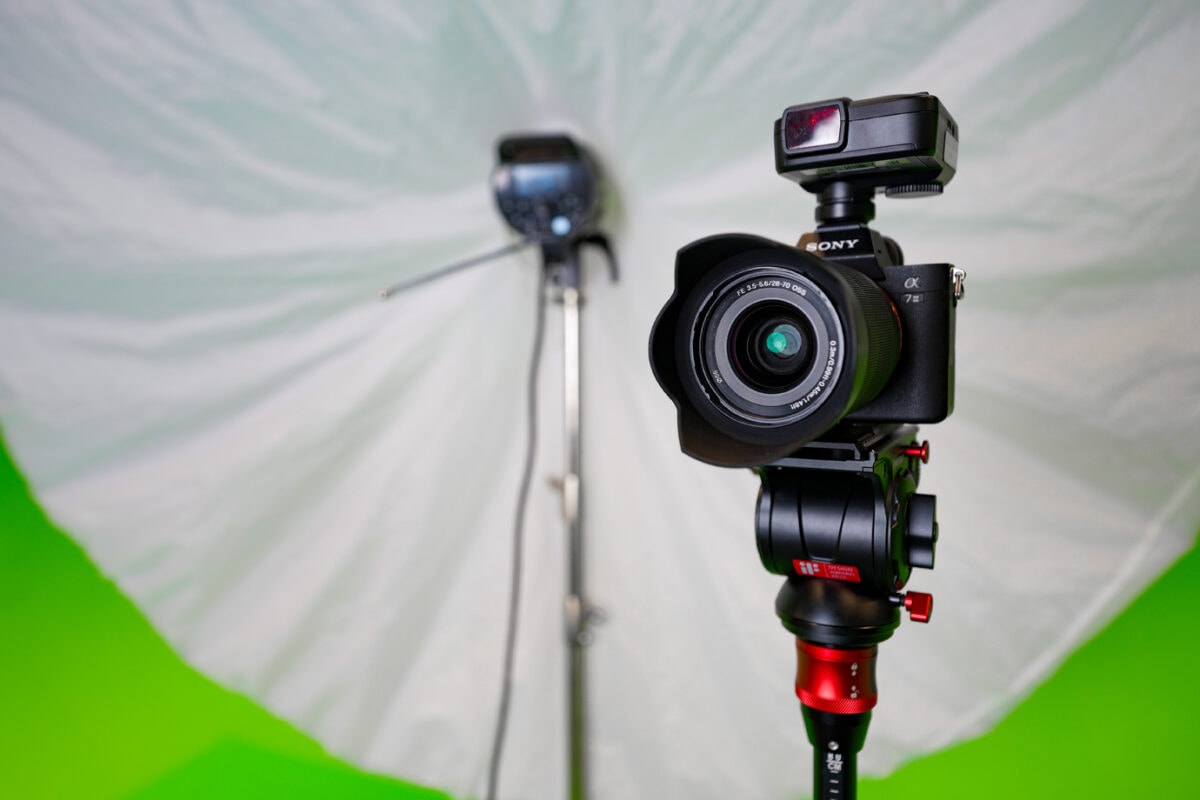
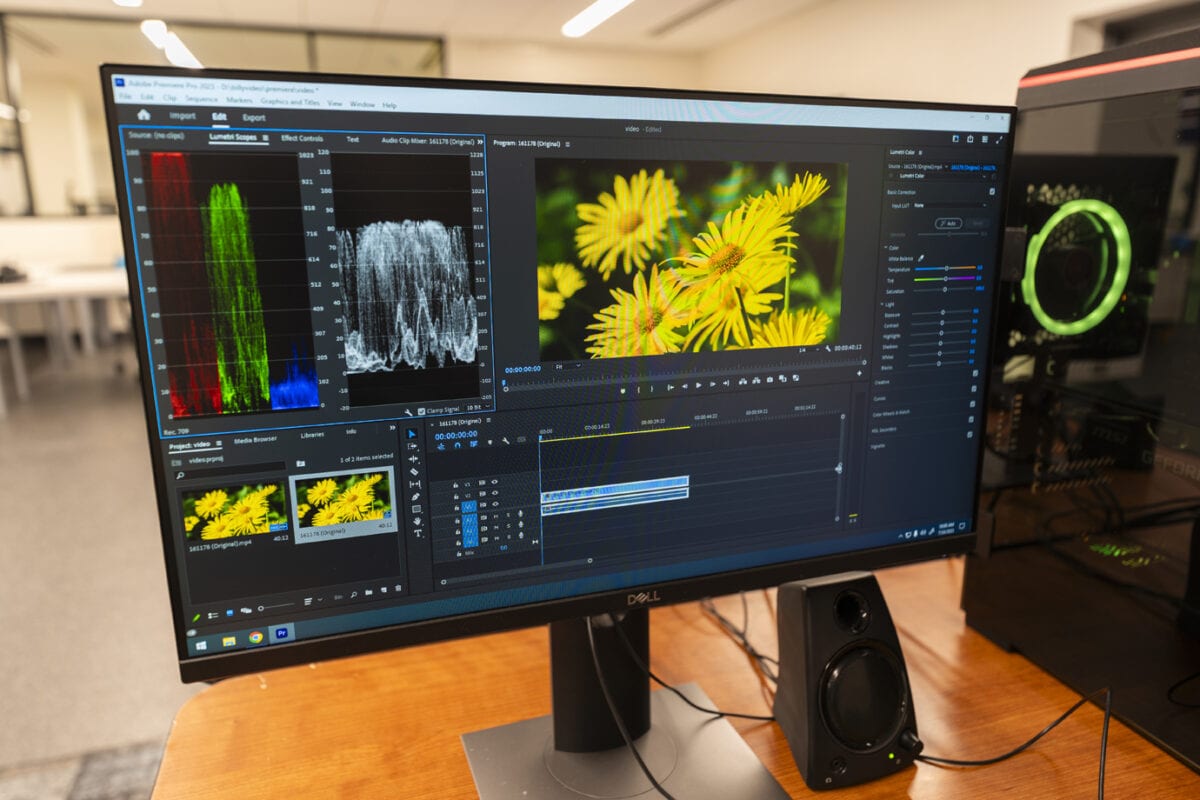
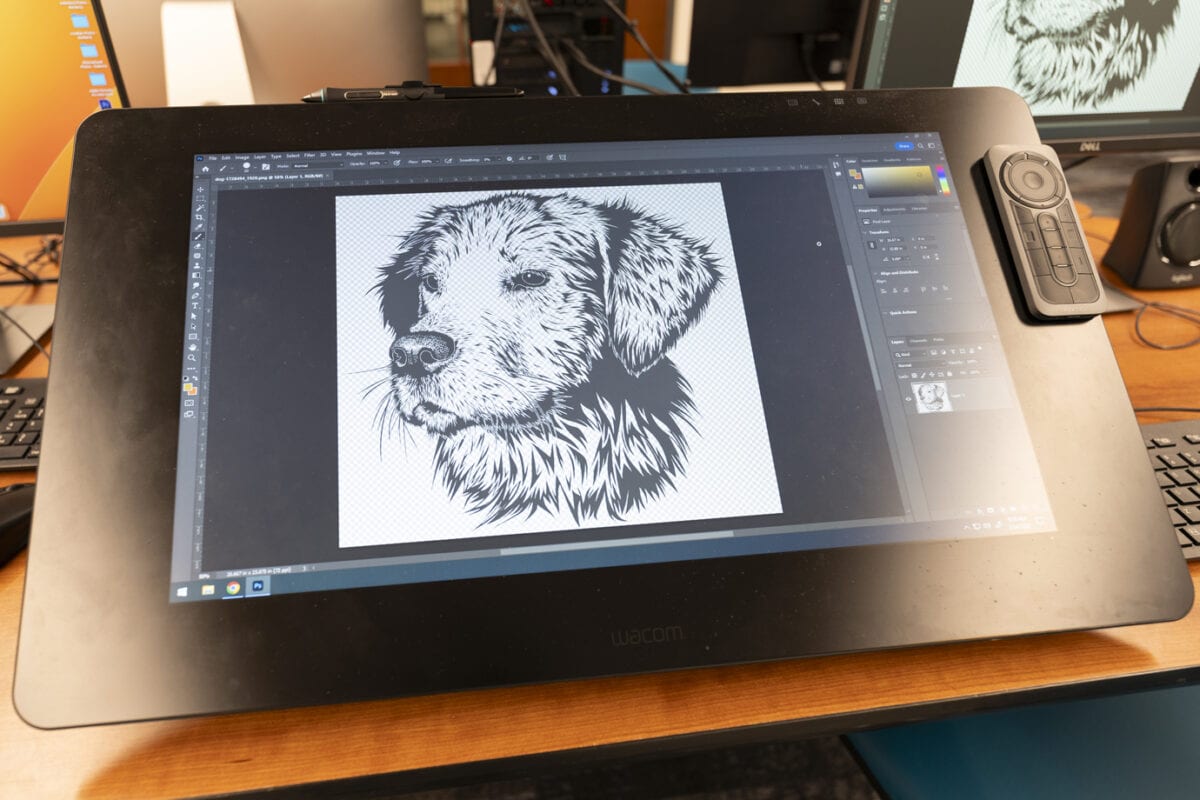
The Digital Media Studio’s published services extend beyond audio into photography, video production, graphic design, printing, and digitization. That creates possibilities for several parts of a creative project—not just the recording itself. See the Studio’s published services.
Consider what that could mean for your next move:
- For an artist: Prepare a demo and develop a visual direction for the release.
- For a producer: Explore a musical idea and create supporting content that introduces your sound.
- For a podcaster: Shape an introductory episode and plan how you’ll present the show.
- For a visual creator: Develop a short video, photography concept, or promotional asset.
- For someone starting out: Choose one skill to explore without trying to master everything at once.
These are project ideas, not promises about what can be completed in a single session. Start with your goal, then confirm which resources and arrangements fit it.
Arrive With a Plan, Not Just an Idea
You don’t need every detail figured out before asking questions. But a little preparation can make your time more useful.
Choose one clear outcome. Instead of “work on my music,” try “record a demo of this verse.” Instead of “start a podcast,” aim to prepare a short introduction.
Organize your materials. Gather the audio, lyrics, images, or other files your project needs. Give them recognizable names so you aren’t spending your session searching through unrelated folders.
Think about what you need help understanding. You might have questions about recording, editing, file formats, or preparing something for print. Write them down and ask the Studio what assistance is available.
Plan how you’ll take your work home. The library asks users to bring a USB flash drive or external storage device to save their work. Confirm any file-transfer requirements before your visit.
A focused first session can give you something valuable: a starting point you can build on.
Check Access and Availability Before You Visit
The library lists a valid, good-standing Joliet Public Library card as a requirement for general Digital Media Studio use. It describes services as free for library patrons, with charges for printing and certain purchases.
Reservations are available, and walk-ins may be accommodated. Before making plans, confirm current eligibility, availability, assistance, and any project-related costs directly with the library. Review the official Studio information.
IHQ membership does not replace the library’s requirements or guarantee access to a session.
Keep Creating Between Visits
You do not need to purchase these items to use the library’s Studio. If you’re gradually building your own setup, the following optional Creator Gear selections can support work you do at home. Check the current product details and compatibility before purchasing; these are IHQ recommendations, not library requirements or endorsements.
Headphones for Your Own Setup
If you want a dedicated pair for listening back to your own recordings, explore the Sony MDR-7506 selection in IHQ’s Creator Gear catalog.
An Audio Interface for Home Recording
If you already have—or plan to use—a compatible microphone or instrument at home, explore the Focusrite Scarlett Solo. Confirm the connections, computer requirements, and included accessories fit your setup.
Discover the Space Through IHQ
Finding a useful creative resource is one thing. Understanding whether it fits your project is the next step.
Start with the Digital Media Studio’s public IHQ profile to get a feel for the space and its location. Sign in to explore equipment, software, and booking information as you plan your next project. Confirm access and session arrangements directly with the library before visiting.
Whether you’re developing your first idea or returning to something you’ve put off, you don’t have to solve every creative challenge at once.
Choose the next step. Prepare for it. Give yourself room to create.
Explore the Digital Media Studio on IHQ
An independent IHQ spotlight based on information published by Joliet Public Library. This article does not imply a partnership or endorsement. Access, availability, and charges remain subject to the library’s current policies.